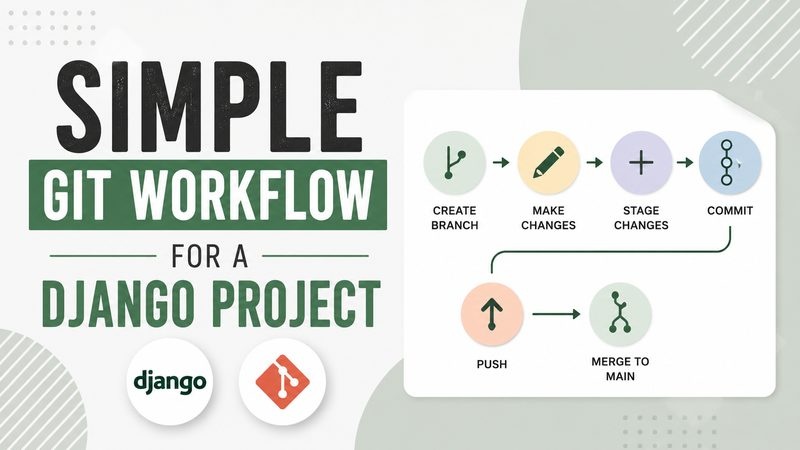
Simple Git Workflow for a Django Project
A simple article about using Git to save progress and manage changes in a Django project.
Git is an important tool for a Django project.
When a project grows, there are many files and many changes. It is easy to forget what was changed or to break something by mistake. Git helps save the project history.
A simple Git workflow starts with checking the project status. The command git status shows which files were changed. This helps understand what is ready to commit.
After that, changed files can be added to the next commit. The command git add is used for this. It tells Git which files should be saved in the next project snapshot.
A commit is like a save point. It should have a clear message. A good commit message explains what was changed. For example, “Add blog post model” is better than “Update files”.
After making a commit, the code can be pushed to GitHub. GitHub stores the project online. It is useful as a backup and as a place to show the project to other people.
For a Django project, it is better to make commits step by step. One commit can add a model. Another commit can add a view. Another commit can update templates.
This makes the project history easier to read. It is also easier to find a problem if something stops working.
It is important not to commit secret files. Files like .env can contain passwords, secret keys, and database settings. These files should stay local and should be ignored by Git.
Git is not only for big teams. It is also useful for one developer. It helps work more safely and more clearly.
A simple Git workflow can make a Django project cleaner and easier to manage.