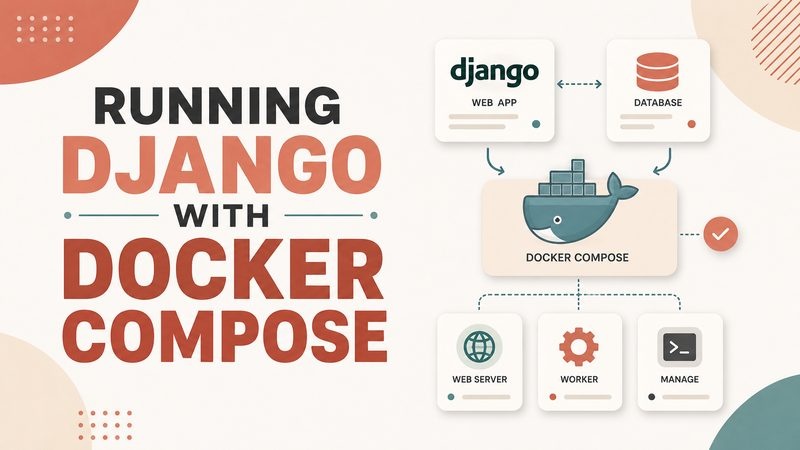
Running Django with Docker Compose
A simple article about using Docker Compose to run Django and PostgreSQL together.
Docker Compose is a useful tool for running a Django project.
A Django project often needs more than one service. For example, DevJournal uses Django and PostgreSQL. Django runs the web application, and PostgreSQL stores the data.
Without Docker, it is necessary to install Python, PostgreSQL, and many packages directly on the computer. This can work, but sometimes it becomes hard to repeat the same setup on another machine.
Docker helps solve this problem. It runs the project in containers. A container is like a small isolated environment for one service.
Docker Compose helps run several containers together. In DevJournal, one container can run Django, and another container can run PostgreSQL.
This makes the project easier to start. Instead of starting each service manually, Docker Compose can start everything with one command.
It is also easier to understand the project structure. The compose file shows what services the project needs, what ports are used, and what environment variables are needed.
For local development, Docker Compose can run the Django development server. For production, it can run Django with Gunicorn.
Another useful thing is that PostgreSQL can run inside its own container. The database data can be stored in a Docker volume, so it is not lost when the container is restarted.
Docker Compose is not magic. It still needs correct settings. But it makes the project more stable and easier to move from one machine to another.
For DevJournal, Docker Compose is an important part of the development and deployment process.